
When and how to book a session with an instructor.
When to book a training session
Something to stress is: you need to book a two-seater training session with an instructor in order to fly. If you ‘just turn up’, the instructors will be busy with people who have booked – and your options will be limited.
Reserve a slot early, and don’t be afraid to book several in advance. If your plans change you can always cancel a booking – although please make sure that you do so several days in advance to give other members the chance to take the slot in your place.
There are rules and limits to what you can book and how far in advance you can book – to give other members a fair chance and to enforce safety for young members. But if there’s a green square marked ‘Book’, you can book it!
The booking process
The booking pages for two-seater instruction are here. (“Two-seater” because you’ll want to fly with an instructor, and they need somewhere to sit, too!).
When you first look at this page you will not be logged in, so you’ll see “You are not logged on” at the top left. At this point you can browse the table of instruction slots for several weeks in advance, and you can see the (bright green) entries that are available to book – but you can’t actually book anything.
Log in
Scroll to the top of the page and you’ll still see “You are not logged on” at the top left. To remedy that, click “Login”, just below that. A dialog will appear Note:
- Your “Login ID” is your first name followed by your family name. Your first name should start with a capital letter, and your family name should be in ALL CAPITALS. So the captain of the Argentina men’s football team would be written Lionel MESSI.
- Your password is initially your postcode, including the space.
- Press ‘Login’
Now you will see the same table of booking slots, but “You are logged in as Lionel MESSI” at the top left, and you can make bookings.
Make a booking
Look at the entries for a particular date (choose any one you like). You’ll see they are divided into two sessions: AM and PM. (See “A day at the airfield” if you need further details). Normally we don’t recommend booking more than half a day of instruction as there’s a limit to how much information you can take in at once. If you want to come for a whole day, consider spending the rest of the day watching and learning other aspects of the sport. (If you really want to book full days – for example, for a course – you’ll need to do this through the office.)
Within a particular AM/PM session, you’ll see that there is a column for ‘Instructors’ and one or more instructors will be shown. Each instructor can generally fly with up to two students per half-day. Some advice is provided on the “Training, and training resources” page about which instructors to book with, but for now it doesn’t matter which one you choose.
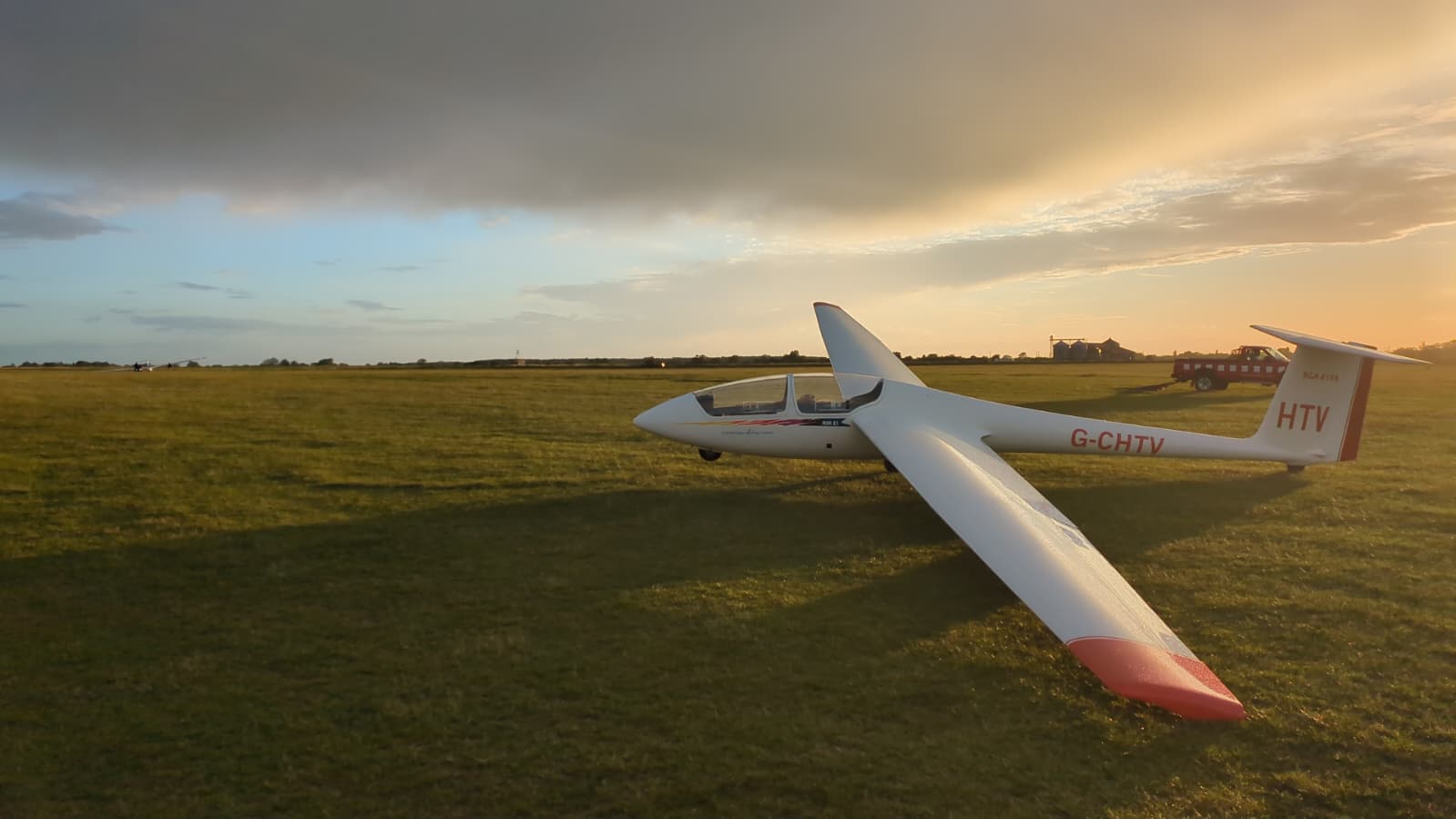
Finally, against each instructor, each session (AM/PM) and each date, there are entries for each of a number of glider types: “K21 – KFY … K21 – HTV … Perkoz – PZ … Puchacz – JEC”. Again, later on you may want to fly in a particular aircraft but for now it doesn’t matter which one you choose.
Now, scroll down until you find a date for which there are some bright green areas on the right of the table. The green areas should contain the word ‘Book’, underlined. Clicking on that link will start the booking process for that date:session:incstructor:glider combination.
Another dialog opens that contains most of your booking details, except that you are asked:
- Flight Type: click on the drop-down list and – unless you know what you’re doing – select Pre-Solo Training.
- What I want to achieve from these flights. For now, I suggest you put something very generic that nevertheless gives some useful information to your instructor, such as “Just joined” or “Jet fighter pilot wanting to learn proper flying”.
- To confirm that you have read the terms and conditions. While these are important and rather detailed, don’t be daunted – we want you to book and we want you to fly! When you’ve read them, close that window and tick the box.
Finally, click ‘Confirm booking’, and you will have booked a two-seater training session with an instructor! You will now see your name in the corresponding slot in the booking table.
A word about Gliding App
Some of you may be aware of Gliding App – it’s described in the page “Accessing the club’s systems” and on the training page. Gliding App does provide a facility to ‘Register’ for a particular day’s flying – but we don’t use it to book two-seater training and you don’t need to know about registering or anything like that for now. GA will become important to you as you start to cover the training syllabus – don’t bother with it at first.
